


Zoho Implementation Checklist: What Every Business Must Do Before Going Live
October 5, 2026
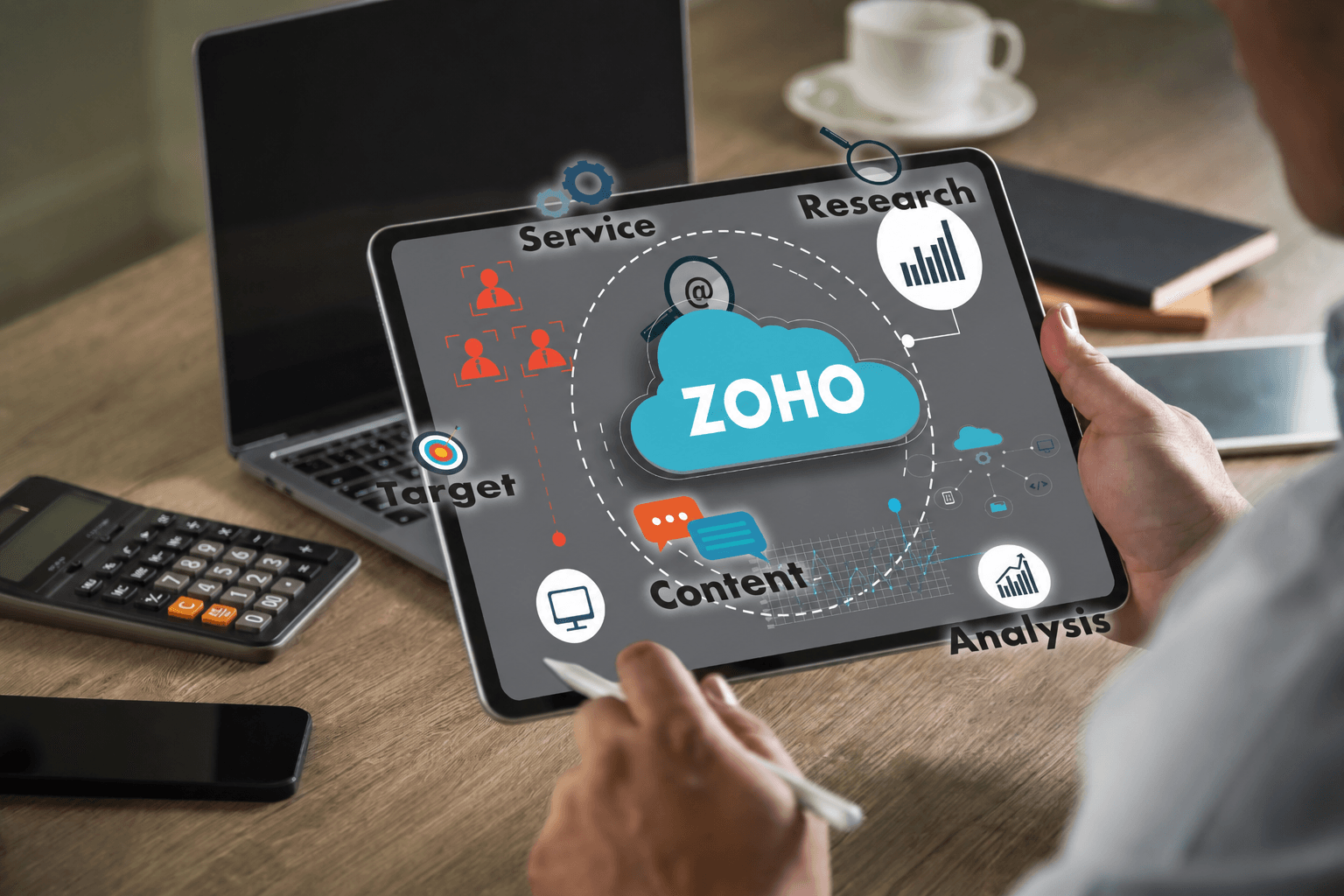
Transitioning your business operations to Zoho is an exciting milestone. Whether you are adopting Zoho CRM to supercharge your sales or deploying Zoho One to run your entire enterprise, the platform offers incredible potential for growth and automation. However, flipping the switch on a new software ecosystem without the right preparation is a recipe for user frustration and operational hiccups. At Mango Technologies, our Zoho implementation services have guided countless businesses through successful software transitions. To ensure your launch is seamless, we have compiled the ultimate pre-go-live checklist.
1. Cleanse and Map Your Data
The phrase "garbage in, garbage out" perfectly applies to software migrations. If you migrate messy data into a pristine new Zoho environment, you will immediately compromise its effectiveness.
- Audit your existing data: Identify outdated, duplicate, or incomplete records in your legacy systems.
- Standardize formats: Ensure all phone numbers, addresses, and naming conventions follow a unified format.
- Map data fields: Clearly define which fields from your old system correspond to the specific modules and fields within Zoho.
2. Finalize Customizations and Automations
Zoho’s strength lies in its flexibility, but it’s crucial to ensure your customizations align perfectly with your daily workflows before inviting the whole team in.
- Check user roles and permissions: Verify that employees only have access to the data and modules necessary for their specific roles.
- Test automated workflows: Trigger your custom macros, email alerts, and lead assignment rules to ensure they fire correctly and route to the right people.
- Review third-party integrations: Confirm that Zoho is communicating flawlessly with your ERP, accounting software, or other external tools.
3. Conduct Rigorous User Acceptance Testing (UAT)
Don't rely solely on your IT team to declare the system ready. The people who will use the software every day need to take it for a test drive.
- Select a testing group: Gather a small group of power users from different departments (Sales, Marketing, Support).
- Provide real-world scenarios: Ask them to perform their daily tasks, such as creating a lead, converting a deal, or generating a custom report.
- Log and fix bugs: Create a centralized document where testers can report glitches, confusing layouts, or missing features, and resolve these before the official launch.
4. Develop a Comprehensive Training Plan
The most common reason a software implementation fails is poor user adoption. If your team doesn't know how to use Zoho, they will revert to their old spreadsheets and habits.
- Create role-specific training: A sales rep needs different training than a customer support agent. Tailor your sessions to specific daily tasks.
- Build a resource library: Record training sessions and create quick-reference guides or cheat sheets for easy access.
- Appoint internal champions: Identify enthusiastic employees who can act as the go-to resources for their peers during the initial transition period.
5. Establish a Rollout Strategy and Backup Plan
A successful go-live day requires strategic timing and a safety net.
- Choose a low-impact launch date: Avoid launching during your busiest season or the end-of-month closing period. A Friday afternoon or a slow weekend often works best.
- Keep legacy systems accessible (temporarily): Don't delete your old software immediately. Keep it in a read-only state just in case you need to reference historical data.
- Prepare a rollback plan: In the rare event of a catastrophic issue, know exactly how to pause the Zoho rollout and revert to your previous systems without losing business continuity.
Partnering for Success
Even with a solid checklist, navigating the technical nuances of data migration, API integrations, and complex workflow automation can overwhelm internal teams. This is where bringing in the experts makes all the difference. By utilizing professional Zoho implementation services, you ensure that your system is architected correctly from day one. Expert consultants can foresee potential roadblocks, optimize your setup for your specific industry, and provide the technical heavy-lifting required for a flawless launch.
Let Mango Technologies Guide Your Go-Live
You don't have to navigate your Zoho transition alone. At Mango Technologies, our expert Zoho implementation services specialize in customizing, deploying, and optimizing business software to perfectly fit your unique operational needs.
Reach out to Mango Technologies today! As the top Zoho Authorized Partner in UAE and let our implementation experts turn your new software investment into an immediate driver of business growth.